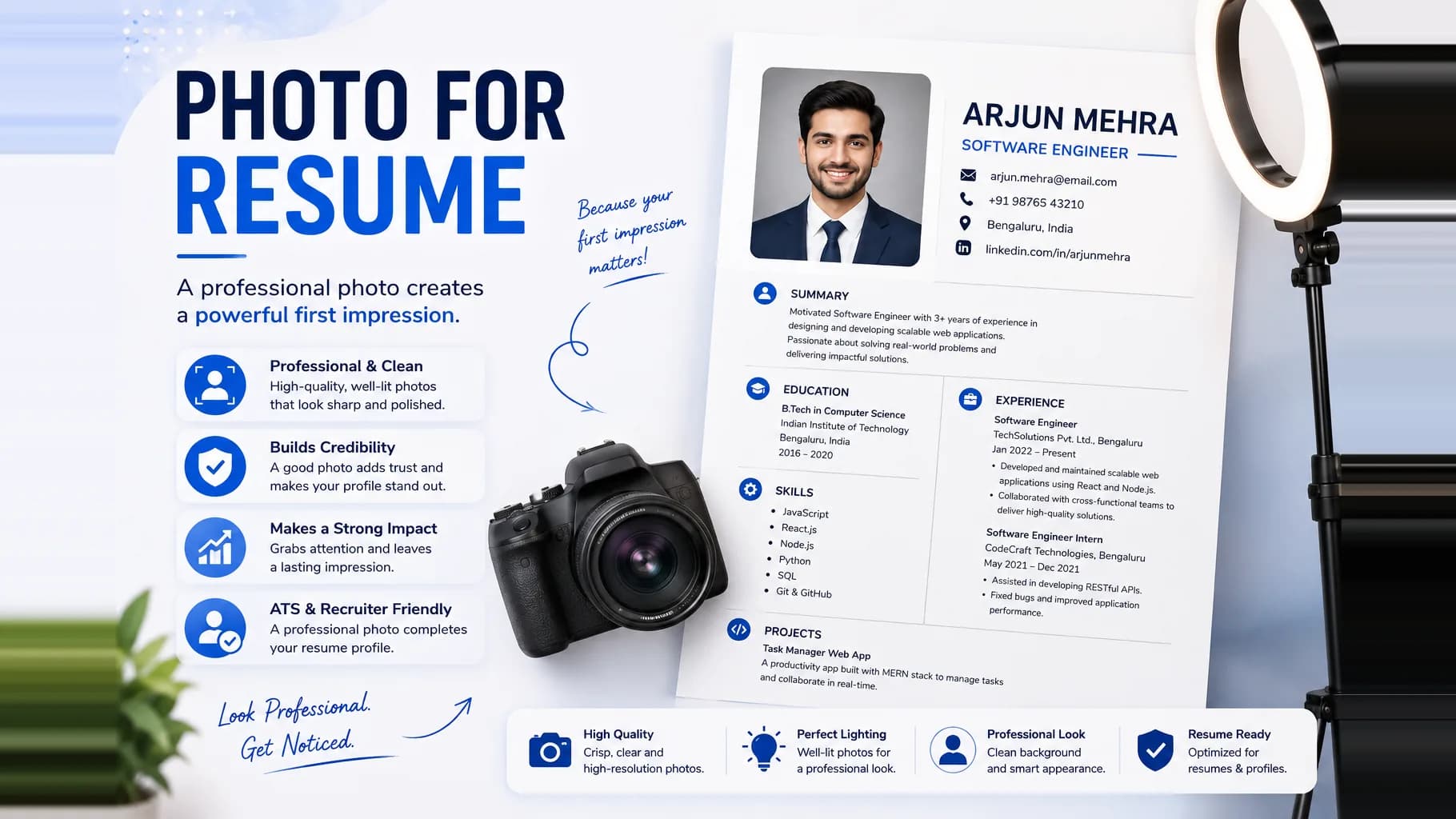
Deciding on a photo for resume use in India is more nuanced than most people think. Add the wrong picture, or add one to the wrong kind of application, and you can quietly hurt your chances before a recruiter reads a single line. Add the right one, in the right format, to a role where it is expected, and you look polished and serious. This guide walks through when a resume photo helps, when it hurts, the exact specifications that work in India, and how to shoot and edit a clean professional headshot even with just your phone.
Should you put a photo on your resume?
There is no single global answer, and India sits in an interesting middle ground.
In many parts of the world, resume photos are actively discouraged. The United States, the United Kingdom, Canada, Australia, and Ireland all lean strongly against them. The reason is anti discrimination hiring law. A recruiter in those markets is often trained to reject or set aside any resume with a face on it, because a photo introduces the risk of bias based on age, gender, or ethnicity. For US federal roles the norm is stricter still. So if you are applying to a company headquartered in the US or UK, or to the overseas office of a multinational, the safe default is no photo.
India is different in practice. A professional photo is far more commonly seen and accepted here, especially in certain contexts:
- Freshers and campus placements, where a clean headshot is often part of the expected format.
- Biodata style resumes, which have a long tradition in India of carrying a photo in the top corner.
- Client facing, sales, hospitality, aviation, real estate, front office, and other appearance relevant roles.
- Local and regional employers who are used to seeing a photo and may even ask for one.
At the same time, a large and growing share of Indian hiring, particularly in IT, product, startups, and any large corporate, now runs through an Applicant Tracking System, or ATS. This changes the calculation completely, which brings us to the single most important rule in this guide.
If your resume will pass through an ATS, do not include a photo. ATS software parses text. An image adds nothing it can read, and worse, photos are frequently embedded inside text boxes, headers, or tables that confuse the parser and scramble your actual content. Formatting problems are one of the most common reasons good candidates get filtered out before a human ever sees them, and a photo is exactly the kind of element that triggers them. It simply is not worth the risk when the photo cannot influence a machine anyway.
The practical takeaway for India is to keep two versions of your resume. Keep one clean, single column, photo free version for anything submitted through a company portal, a job board, or an ATS. Keep a second version with a tasteful photo only for direct to human situations where a photo is genuinely expected, such as a walk in interview, a placement cell submission, a referral you are emailing to a person, or a role that explicitly asks for one. When you are unsure, err on the side of leaving the photo off. A missing photo almost never costs you an interview, but the wrong photo in the wrong place can.
When a resume photo helps vs hurts
It helps when:
- The role is appearance or presentation relevant, such as sales, front office, hospitality, cabin crew, modelling, or brand ambassador work.
- You are a fresher submitting through a placement cell or campus format that expects a photo.
- You are sending the resume directly to a person who will read it themselves, not feeding it into software.
- Local norms and the employer clearly favour it, or the job posting asks for a recent photograph.
It hurts when:
- The resume goes through an ATS or a large corporate portal.
- You are applying to US, UK, or European headquartered companies that follow no photo hiring norms.
- The photo is low quality, a selfie, a cropped group picture, or casual, in which case it actively lowers how professional you look.
- The role is a pure backend, engineering, or analytical position where your work speaks for itself and a photo only adds bias risk.
A useful mental model: a photo can only ever add a first impression, it can never add a qualification. So only include it where a strong first impression matters and where a human is guaranteed to see it.
Resume photo specifications for India
When you do include a photo, treat it like an official document photo rather than a social media picture. The widely accepted standard in India follows passport style dimensions, which keeps it clean and predictable for recruiters.
| Specification | Recommended value |
|---|---|
| Physical size | 35 mm x 45 mm (3.5 cm x 4.5 cm), passport style |
| Aspect ratio | Portrait, roughly 7:9, taller than it is wide |
| Head height in frame | Around 34 mm, head and top of shoulders visible |
| Space above the head | A small margin, around 3 mm, above the hair |
| Resolution | At least 300 DPI for print, 600 DPI for crisp quality |
| Background | Plain and neutral: off white, white, light grey, or light blue |
| File format | JPG or PNG, high resolution and not compressed to blur |
| File size | Keep it light, ideally well under 1 MB so the resume file stays small |
| Framing | Head and shoulders only, face square to the camera |
| Recency | Taken recently, looking like you do today |
A few notes on these numbers. The 35 mm by 45 mm size is the same as a standard Indian passport or official document photo, which is why it looks instantly professional and never oversized on the page. Keep the file itself small so the overall resume PDF does not balloon in size, which matters when uploading to portals with strict limits. And keep the resolution high enough that the face stays sharp if a recruiter prints the page.
There are no strict legal photo rules for private sector resumes in India, so treat these as strong conventions rather than laws. The goal is a photo that looks like it belongs on an official document, not on a phone gallery.
How to take a good resume photo yourself
You do not need a studio. A modern phone in good light will do the job. Focus on five things.
Lighting. Natural daylight is your best friend. Stand facing a window during the day so the light falls evenly on your face, and keep the window in front of you, never behind you. Light from behind turns you into a silhouette. Avoid harsh overhead lights that cast shadows under the eyes and nose. Soft, even, front lighting flatters everyone.
Background. Use a plain, uncluttered wall in a neutral colour: white, off white, light grey, or light blue. Nothing should compete with your face. No doorways, furniture, plants, posters, or family members in the frame. If you cannot find a clean wall, do not worry, you can fix the background afterwards during editing.
Attire. Dress the way you would for the interview itself. For most Indian corporate and fresher applications that means formal or smart semi formal: a collared shirt or a blazer for men, a formal shirt, top, or suit for women. Choose solid, muted colours over loud patterns, which can look busy at small sizes. Keep jewellery and accessories minimal so the focus stays on your face.
Expression. Aim for a relaxed, confident, closed mouth smile. You want to look approachable and self assured, not stiff and not overly casual. Look straight into the lens as if you are making eye contact with the recruiter. A faint, genuine smile reads as friendly and positive, which is exactly the first impression you want.
Framing. Compose a head and shoulders shot. Keep the camera at your eye level, not above or below, since a low angle distorts the face and a high angle looks like a selfie. Hold the phone about an arm and a half away, roughly half a metre or so, and if possible ask another person to take the shot rather than stretching your own arm out. Centre your face, leave a little space above your head, and keep your shoulders square and open rather than turned or hunched.
If getting all of this right on your own feels fiddly, you can shoot a plain, well lit photo and then let software do the polishing. The Goodspace AI Headshot Generator is the fastest way to turn a normal phone photo into a clean, professional resume headshot with proper framing, even lighting, and a neutral background, without booking a studio.
Common mistakes to avoid
Most bad resume photos fail for the same handful of reasons. Steer clear of all of these:
- Selfies. A visible outstretched arm, an odd angle, or a phone reflection instantly signals unprofessional. Have someone else take the photo.
- Filters and heavy editing. Beauty filters, skin smoothing, and colour effects make you look unlike yourself and undermine trust. Keep it natural.
- Casual clothes. T shirts, sleeveless tops, party wear, or anything you would not wear to the interview.
- Cropped group photos. A picture with a stranger's shoulder or arm still in frame looks careless.
- Vacation and hobby shots. Beaches, sunglasses, hats, and scenic backgrounds do not belong on a resume.
- Poor lighting. Shadows, yellow indoor tint, or a dark, underexposed face.
- Busy backgrounds. Furniture, plants, doorways, or clutter behind you.
- Sunglasses or anything covering the eyes. Clean optical glasses are fine if they do not glare, but the eyes must be visible.
- Low resolution or blur. A pixelated face looks worse than no photo at all.
- An old photo. If you no longer look like the picture, it works against you.
How to edit and format your resume photo
Once you have a decent raw shot, a few minutes of editing takes it from acceptable to genuinely professional.
Crop to the right ratio. Trim the image to a portrait crop close to 35 mm by 45 mm proportions. Centre your face with a little headroom above the hair and your shoulders visible at the bottom. Do not crop so tight that the top of your head is cut off.
Clean up the background. This is where most amateur photos are saved. If your background is cluttered or uneven, remove it and replace it with a solid neutral colour like white or light grey. Background removal tools do this in one click and instantly make the photo look studio shot.
Adjust light and colour gently. Nudge brightness and contrast so the face is clearly lit, and correct any yellow or blue colour cast from indoor lighting. The aim is natural, not glamorous. Resist the urge to smooth skin or slim the face.
Export sensibly. Save as a high quality JPG or PNG, keep the resolution sharp, and then compress just enough to keep the file small so your resume does not become a heavy download.
If you would rather skip the manual editing entirely, the Goodspace AI Headshot Generator handles the crop, the neutral background, and the lighting cleanup together, producing a resume ready headshot from an ordinary photo in minutes.
Where the photo goes on the resume
Placement matters as much as the photo itself. When you include one:
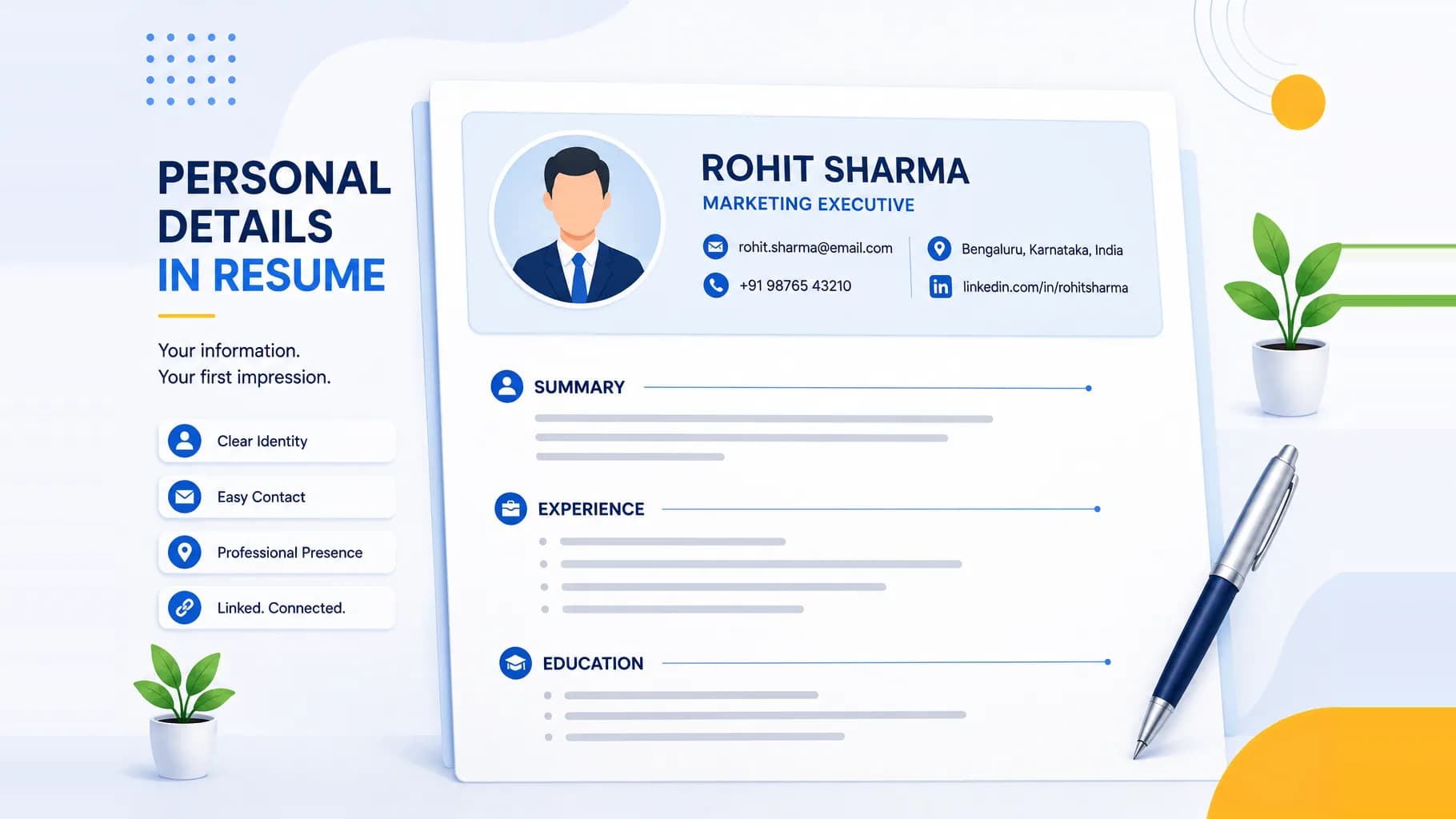
- Put it in the top corner of the resume, most commonly the top right, alongside your name and contact details in the header area. The top left works too and follows the older biodata convention.
- Keep it small and aligned with the header block so it never dominates the page. Your name and title should still be the most prominent element.
- Do not place it in the centre, do not let it push your content down, and do not wrap text awkwardly around it.
- If you are building the photo version manually, avoid embedding the image inside a text box or table, since that is exactly what breaks parsing if the file ever hits an ATS. If it must survive an ATS, remove the photo entirely and use the clean version instead.
The photo should feel like a small, tidy part of a professional header, not the headline of the page.
Do and Don't checklist
Do:
- Keep a separate photo free version for ATS and portal submissions.
- Use passport style 35 mm by 45 mm dimensions.
- Choose a plain, neutral background.
- Wear formal or smart semi formal attire.
- Use soft, even, front lighting from a window.
- Keep a relaxed, confident, closed mouth smile.
- Place the photo small, in the top corner.
- Use a recent, high resolution image.
Don't:
- Add a photo to an ATS resume or a US or UK application.
- Use selfies, filters, or heavy editing.
- Wear casual or party clothes.
- Use a busy or dark background.
- Crop a group photo or vacation picture.
- Let the photo dominate the page.
- Use an old or blurry image.
Frequently asked questions
Is a photo mandatory on an Indian resume? No. A photo is never legally required for private sector roles in India. It is common and accepted in many contexts, especially for freshers, biodata style resumes, and client facing jobs, but plenty of strong resumes carry no photo at all. When in doubt, leave it off.
Will a photo cause my resume to be rejected by an ATS? It can. ATS software cannot read images, and photos are often placed inside text boxes or tables that break the parser and scramble your content. For any application that goes through an ATS or a corporate portal, use a clean, photo free version.
What size should the resume photo be? Passport style, around 35 mm by 45 mm (3.5 cm by 4.5 cm), in portrait orientation, with your head and shoulders visible and a small margin above the hair. Keep it high resolution but light in file size.
What background colour is best? A plain, neutral background: off white, white, light grey, or light blue. Avoid patterned, dark, or cluttered backgrounds. If your original photo has a messy background, remove and replace it during editing.
Can I use a phone photo, or do I need a studio? A phone photo works well if you use good natural light, a plain wall, formal attire, and eye level framing, ideally with someone else taking the shot. You can then clean up the background and lighting in editing, or use a tool like the Goodspace AI Headshot Generator to polish it automatically.
Should freshers include a photo? Often yes, if the placement cell or campus format expects one and the resume goes to a human. For freshers applying online through ATS driven portals, keep a photo free version for those submissions.
The bottom line
For India in 2026, the smart move is not choosing between photo and no photo, it is keeping both versions ready. Send the clean, photo free resume anywhere a machine or a US or UK employer will screen it, and use a tidy, passport style, well lit headshot only where a human is guaranteed to see it and a photo is genuinely expected. Get the specs right, avoid the common mistakes, and your photo will quietly reinforce that you are professional and prepared, which is the only job it should ever do.