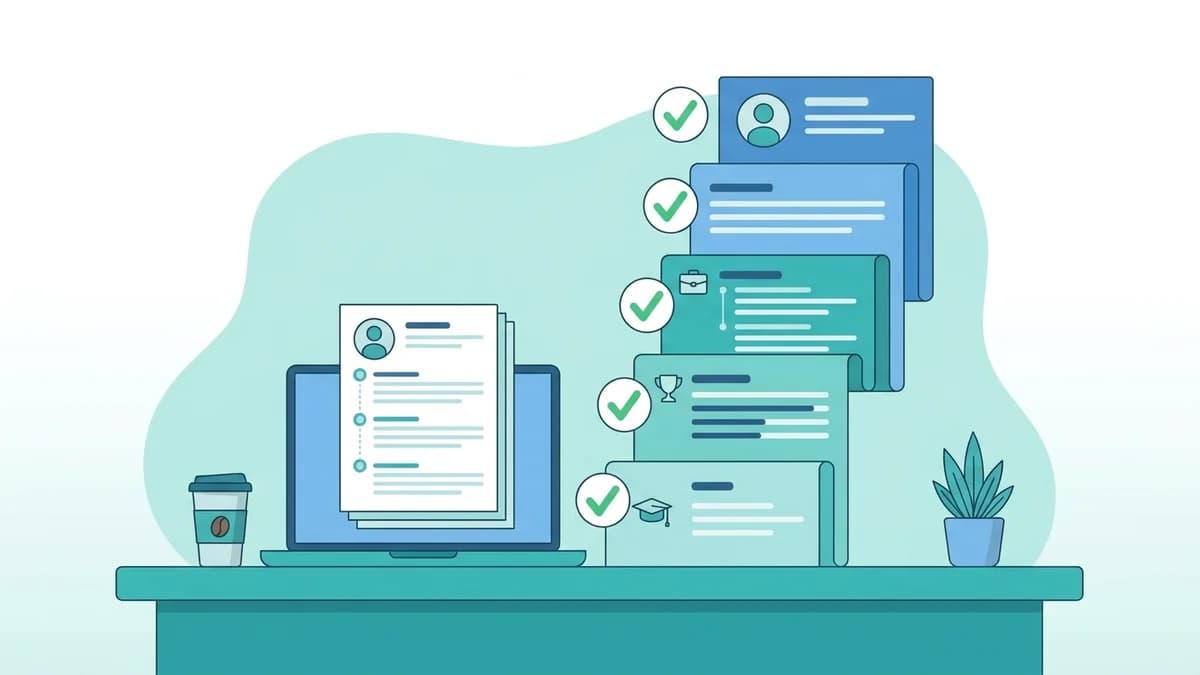
You spent hours perfecting your resume, applied to 40 jobs, and heard back from almost none. Before you blame the market, it is worth asking a simpler question: did a human ever actually read your resume? For most online applications in India today, the first "reader" is not a person at all. It is an Applicant Tracking System (ATS)software that parses, scores, and filters your resume before a recruiter opens it.
This guide shows you exactly how to check your resume's ATS score for free in 2026, using three reliable methods. You will learn what the score means, how to read it, and the most common reasons Indian resumes score low, plus the quick fixes that move the needle fastest.
What Is an ATS Score (and Why Check It Before You Apply)?
An ATS score is a measure of how well your resume matches a specific job, and how cleanly the software can read it. Most tools express it as a percentage or a number out of 100. A higher score generally means the system found the skills, keywords, and structure it expected for that role, and could parse your details (name, contact, work history, education) without errors.
It helps to be clear about what the score is not. It is not a judgement of your talent, your potential, or whether you deserve the job. It is a compatibility check between one resume and one job description. Change the job, and the score changes too. That is why checking your score is most useful when you do it against the actual job you are about to apply fornot in the abstract.
Checking before you apply matters because the first filter is often mechanical. If the software cannot read your two-column layout, or your resume never mentions a skill the role clearly requires, you can be screened out no matter how strong your experience is. Two minutes of checking can save you from sending a resume that was never going to get through.
Method 1: Use a Free ATS Scanner (Fastest)
The quickest way to get a real, JD-specific score is to run your resume through a scanner that compares it against a job description. The GoodSpace ATS Resume Scanner is free, needs no payment, and gives you an instant score along with the specific checks you pass or fail.
Here is how to use it:
- Step 1, Upload your resume. Add your current resume in its usual format (PDF or .docx). You do not need to reformat anything first; the point is to see how your existing file performs.
- Step 2, Paste the job description. Copy the full JD of the role you want and paste it in. This is the important part: the tool scores your resume against that specific jobso the feedback is targeted rather than generic.
- Step 3, Read your instant score. The scanner runs 16 checks covering keywords, formatting, and structure, then returns a score plus a breakdown of what helped and what hurt.
- Step 4, Fix and re-scan. Apply the suggested changes, a missing keyword here, a non-standard heading there, and run it again to confirm the score improved before you submit.
Because it checks keywords, formatting, and structure together, a scanner catches problems you cannot easily see yourself, like a skill the JD emphasises that your resume never states in plain words, or a layout element that breaks parsing. Run your resume through the free GoodSpace ATS scanner here and get your score in under a minute.
Method 2: Do a Manual Keyword Match Against the JD
Even without a tool, you can approximate part of an ATS score by hand. Most systems reward resumes that use the same terms the job description uses for required skills and responsibilities. A manual match helps you find gaps and understand why a scanner scores you the way it does.
Try this:
- Pull out the key terms from the JD. Read the job description and highlight hard skills, tools, certifications, and role-specific phrases, for example "SQL", "financial modelling", "Tally", "React", "supply chain", "IATA", or "B.Tech". These are the words the ATS is most likely to look for.
- Check each term against your resume. For every important keyword, confirm it actually appears in your resume in a natural sentence, ideally in your skills section and again in your experience or projects, so it reads as something you have done, not just listed.
- Mind the exact wording and variants. If the JD says "Search Engine Optimisation" and your resume only says "SEO", include both once so either form is found. The same applies to "Chartered Accountant" vs "CA" or "Human Resources" vs "HR".
- Do not stuff. Add only keywords you can genuinely back up. Repeating a term ten times will not help and can read as spam to both software and recruiters.
A manual match will never be as precise as a scanner, but it builds the habit of tailoring each application, which is the single biggest driver of a better match score.
Method 3: Run a Formatting and Parse Test
A resume can contain all the right words and still score poorly if the software cannot read it cleanly. This is where formatting comes in. You can do a rough parse test yourself in a couple of minutes.
- Copy-paste test. Open your resume, select all, copy, and paste it into a plain text editor or a blank document. If the text comes out jumbled, out of order, or missing chunks, an ATS will likely struggle with it too. Clean, in-order text is a good sign.
- Use a single-column layout. Two-column and sidebar designs often confuse parsers, which read left to right and can scramble the order. A single-column layout is the safest choice for ATS reliability.
- Stick to standard section headings. Use plain labels the software recognises, "Work Experience", "Education", "Skills", "Projects", "Certifications", instead of creative titles like "My Journey" or "What I Bring". Standard headings help the system slot your content into the right fields.
- Choose a safe file format. A text-based PDF or a .docx file is usually parsed well. Avoid exporting your resume as an image, and avoid putting critical details inside headers, footers, text boxes, tables, or graphics, since these are the elements most likely to be dropped.
- Skip decorative elements. Photos, icons, rating bars for skills, and heavy graphics add nothing an ATS can read and can push important text into places it misreads.
For a deeper walkthrough of ATS-safe formatting and a checklist you can follow line by line, see the GoodSpace ATS guide.
How to Read Your Score Once You Have It
A number on its own is not very useful until you know what a good result looks like and what to do at each level. As a rough guide, a strong, well-matched resume typically lands in the higher bands, while a low score usually points to missing keywords, parse problems, or a layout issue you can fix quickly.
Rather than obsessing over hitting a perfect 100, which often signals keyword stuffing rather than a great resume, aim for a healthy, defensible score and focus on the specific fixes the scanner flags. For the full breakdown of score bands, what each range means, and a realistic target to aim for, read our companion guide: What Is a Good ATS Score? Benchmarks, Ranges & How to Hit 80%+.
Common Reasons ATS Scores Are Low (Especially in India)
If your score came back lower than you expected, you are in good company, and the causes are usually the same handful of issues.
- Design-first templates. Many popular Canva and two-column templates look beautiful but rely on sidebars, text boxes, and columns that parsers struggle with. A gorgeous resume that the software cannot read is worse than a plain one it can.
- Skills hidden in graphics. Skill "meters", star ratings, and infographics put your most important keywords inside images or shapes, where an ATS often cannot find them.
- Generic, untailored resumes. Sending the same resume to every role means it rarely matches the specific keywords of any one JD. Tailoring even lightly per application usually lifts the score.
- Missing exact keywords. Writing "handled data" when the JD wants "data analysis", or listing a tool by a nickname the JD does not use, quietly costs you matches.
- Details in headers and footers. Phone numbers and emails placed in the document header sometimes get dropped during parsing, so a recruiter cannot even reach you.
- Photo and personal details. Adding a photograph and a block of personal information, still common on many Indian resume templates, adds parsing risk without adding value for most roles.
Quick Fixes to Raise Your Score Today
- Switch to a clean, single-column layout with standard headings.
- Move your name, phone, and email into the main body, not the header.
- Add the exact must-have keywords from the JD into your skills and experience, only ones you can back up.
- Replace skill graphics and rating bars with plain text.
- Save as a text-based PDF or .docx, never an image.
- Re-run the free GoodSpace ATS scanner to confirm each change helped.
Freshers in particular can get a big lift from a few structural changes. If you are early in your career, our focused guide on building an ATS-friendly resume for freshers walks through exactly what to include when you do not yet have years of experience.
Frequently Asked Questions
Is checking my ATS score really free?
Yes. The GoodSpace ATS Resume Scanner is free to use. You upload your resume, paste the job description, and get an instant score with a breakdown of the checks, at no cost.
Do I need to create an account or log in?
The scanner is built to be quick and low-friction so you can check a resume in minutes. Head to the scanner page to run your resume; the goal is to get you a score fast without heavy sign-up steps.
Does it work for Indian resumes and Indian job descriptions?
Yes. The checks are based on how ATS software parses and matches resumes, which is the same regardless of country. Paste any India-based JD, whether it is for an IT, finance, sales, operations, or campus role, and the tool scores your resume against it.
Can freshers use it, or is it only for experienced candidates?
Freshers can absolutely use it. In fact, it is especially useful early on, when small formatting and keyword changes make a big difference. Pair your scan with the ATS-friendly resume for freshers guide for role-specific advice.
How often should I check my score?
Check every time you apply to a meaningfully different role, since the score is specific to each job description. At minimum, re-scan after any edit to confirm the change actually improved your match.
Ready to see where you stand? Check your resume's ATS score for free with the GoodSpace ATS scanner and fix the gaps before your next application.