Auto apply to jobs, with every answer checked by you
Goodspace fills company application forms on Greenhouse, Lever, Ashby and Workday from your profile, tracks every job you apply to and checks your resume for ATS, right beside the job page. You press submit.
Free on the Chrome Web Store. Works on Chrome, Edge, Brave and Arc.
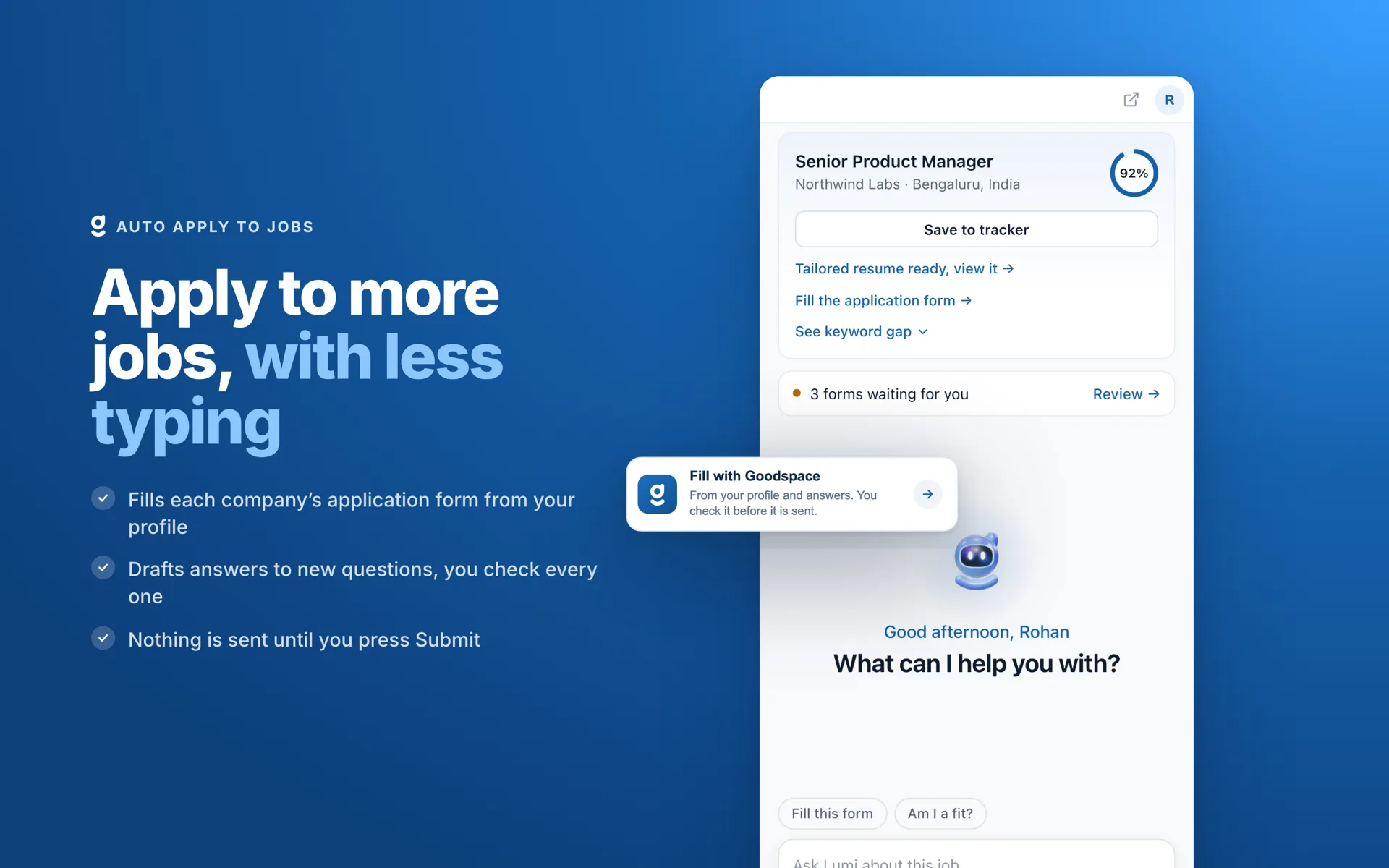
Fill the application form from the panel
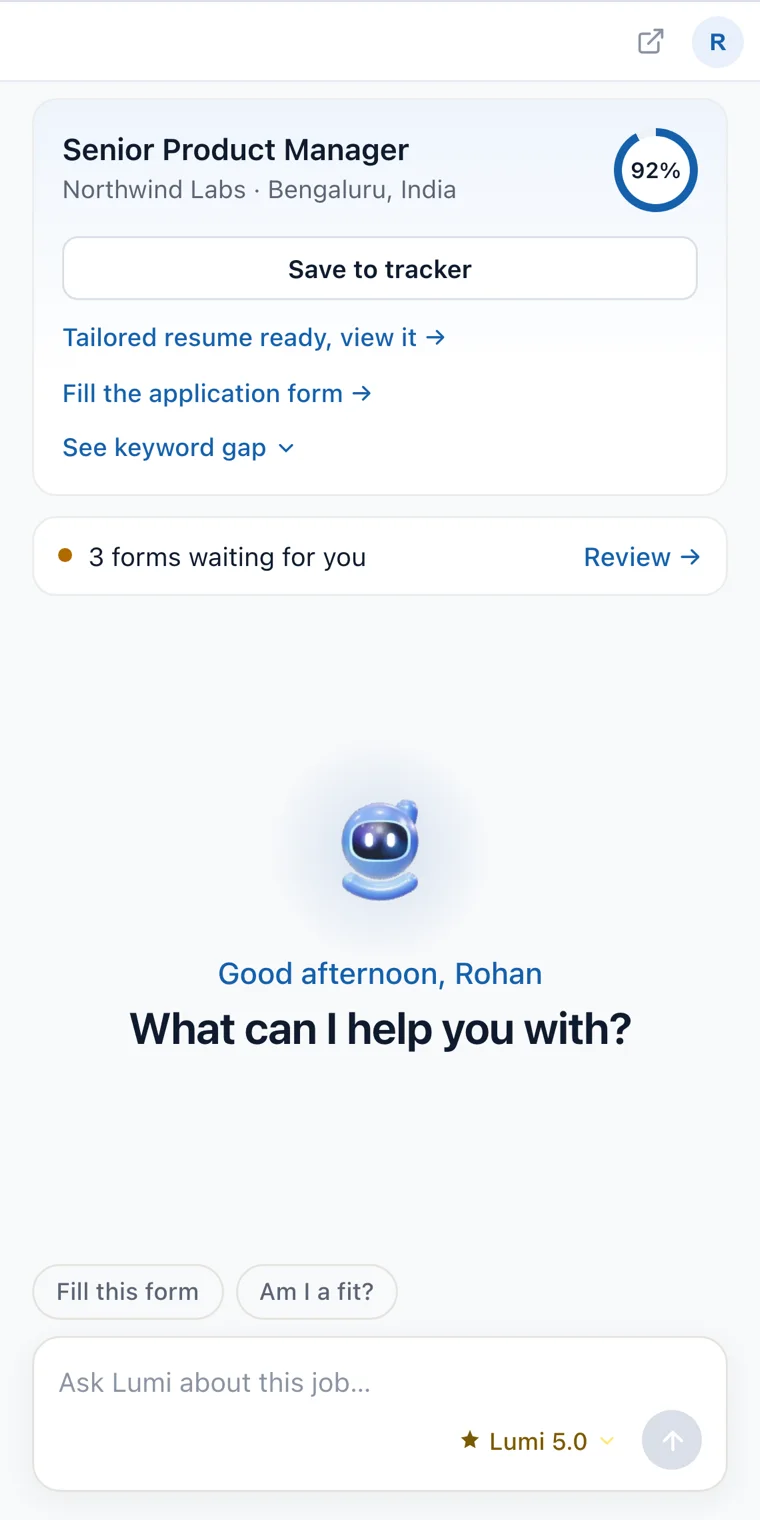
Open a job and Goodspace shows your match, a tailored resume and the form fill in one place. Press Fill and your profile and saved answers go in; you check the form and press submit.
Apply to more jobs, with less typing
One Chrome extension for job search, from the posting to the application form to the offer. It works in Chrome’s side panel, beside the page you are already on.
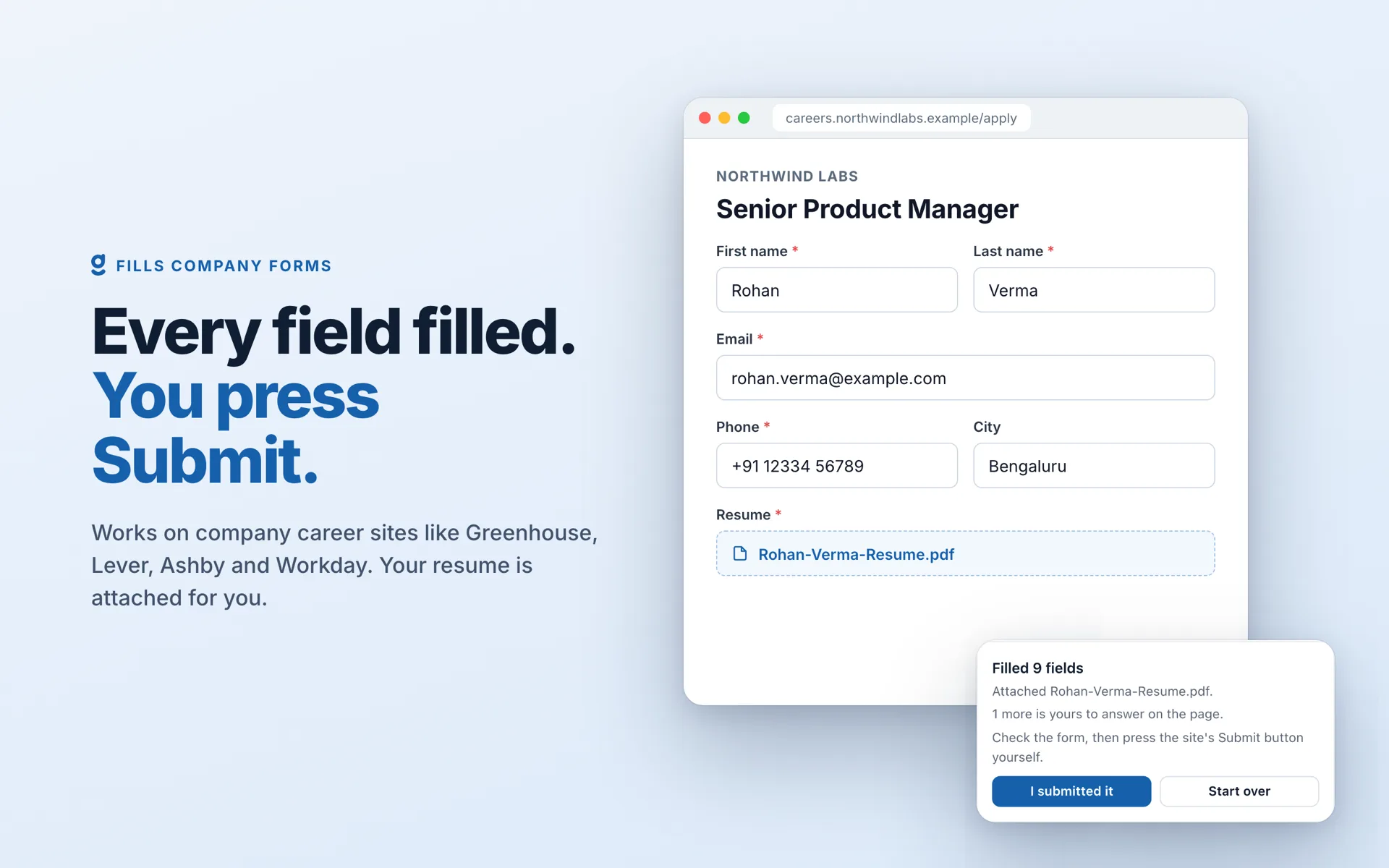
Pick the roles. Goodspace fills each company’s form.
Goodspace Autopilot finds roles that fit you on company careers sites. Choose the ones you want, and the extension opens each application form and fills it from your profile and saved answers, with your resume attached.
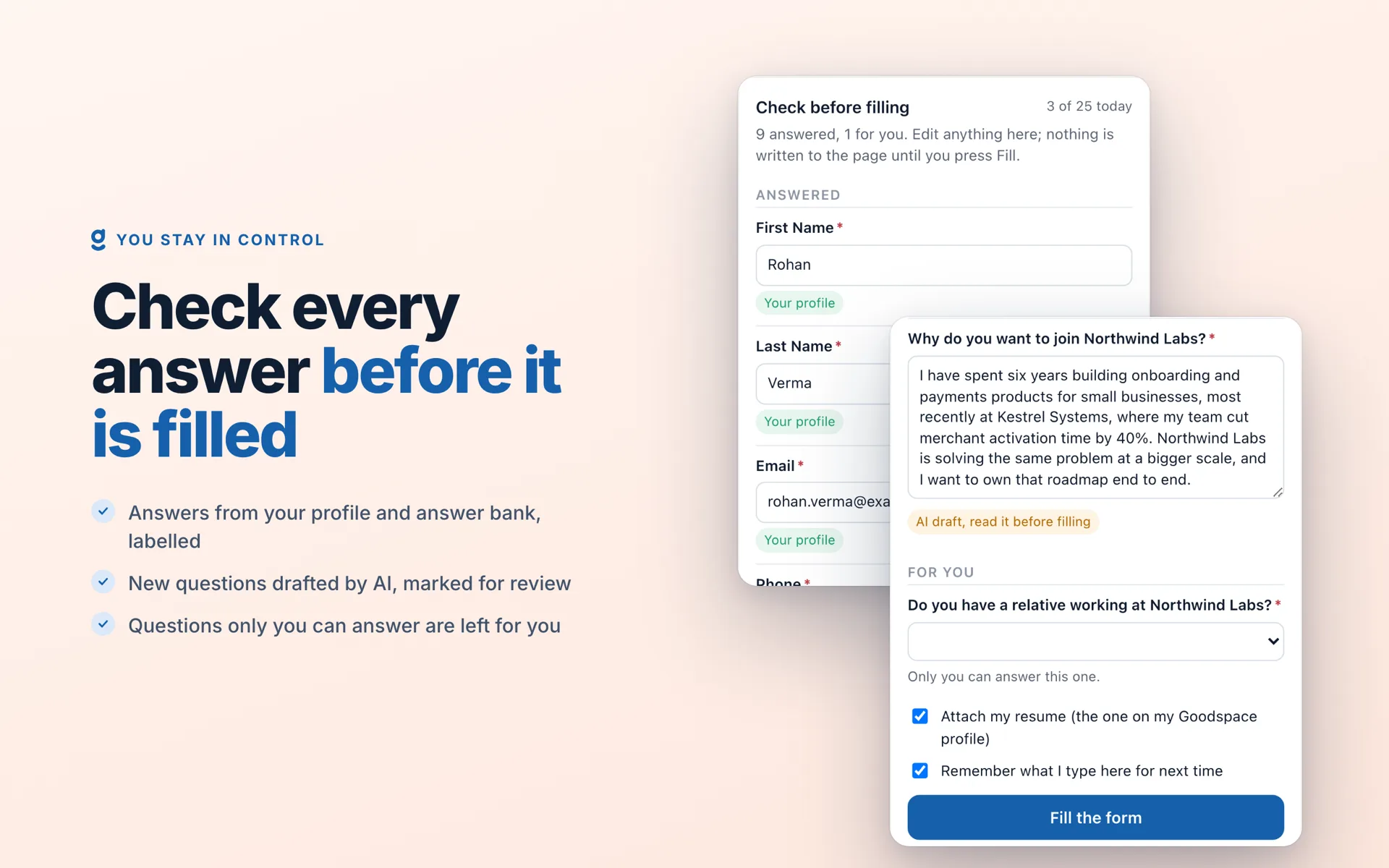
Check every answer before it is filled
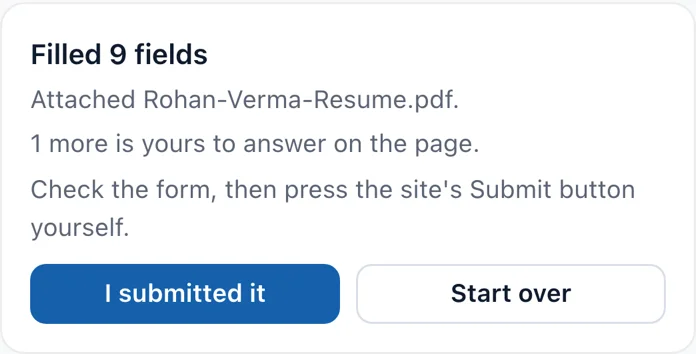
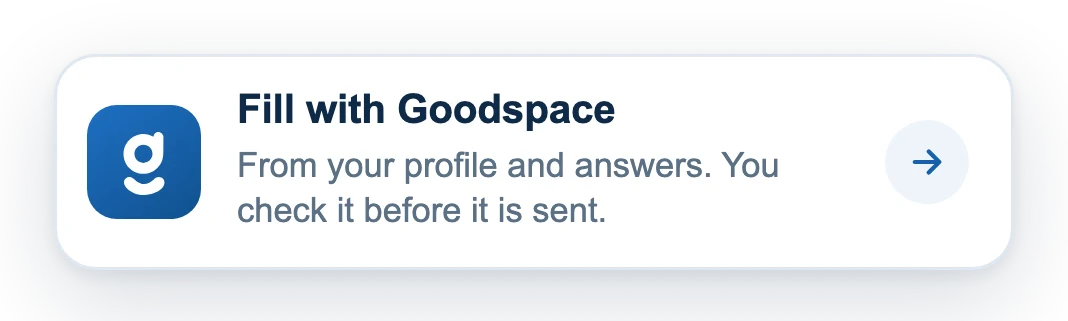
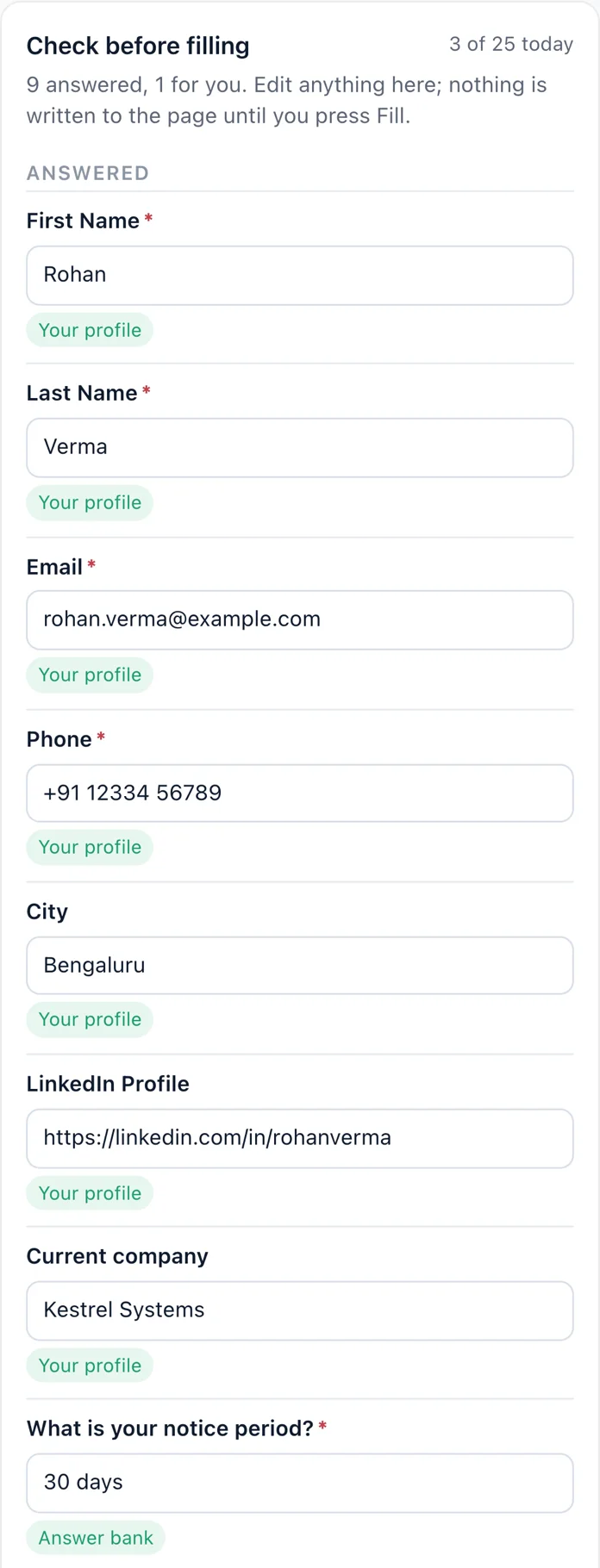
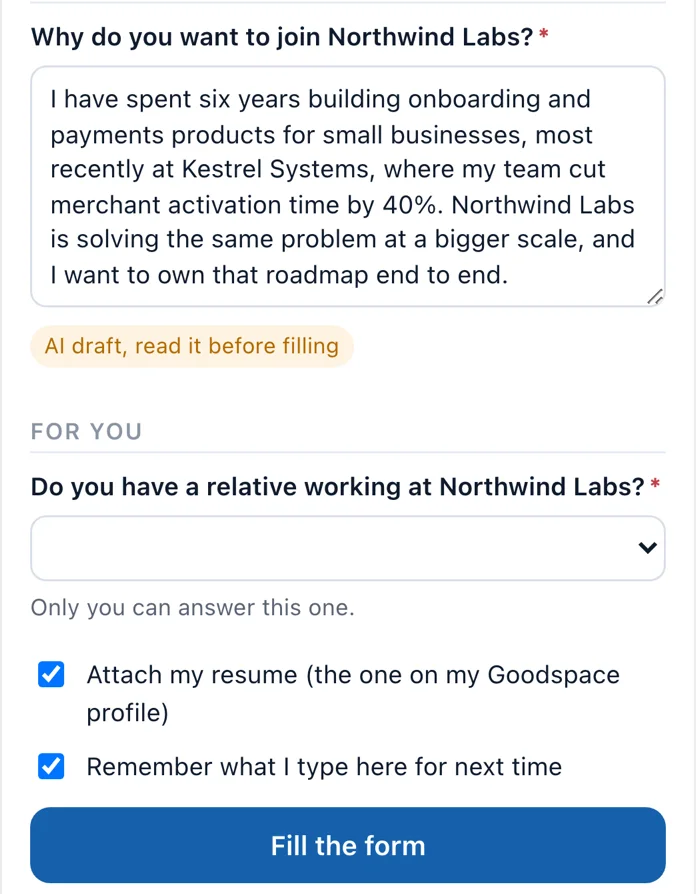
On any supported form, press Fill. Answers from your profile and answer bank go straight in. New questions are drafted by AI and shown to you first, and the questions only you can answer are left for you.
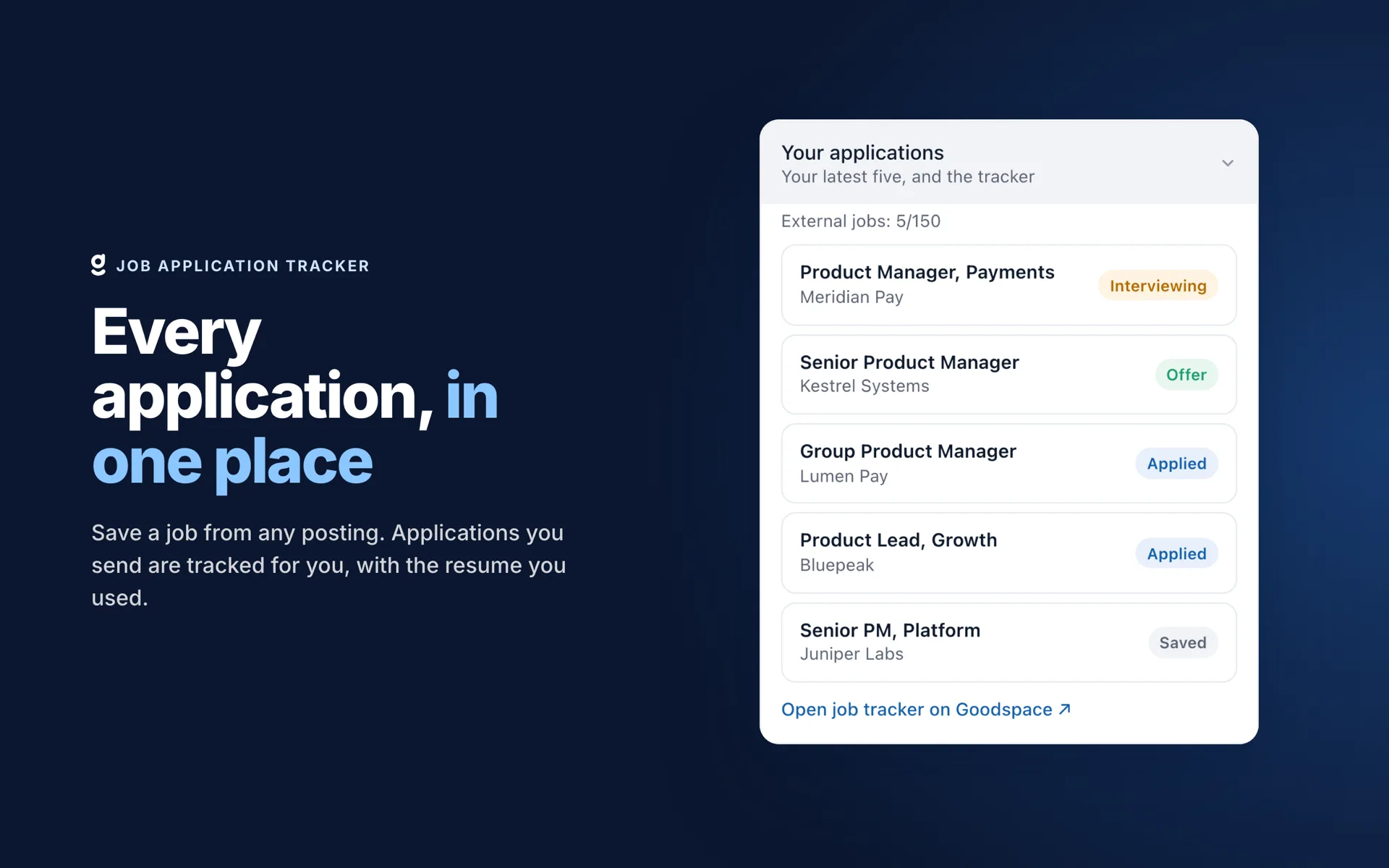
Every application, in one place
Save any posting in one click. When you submit an application, the extension spots the confirmation page and offers to log it, with the resume you sent. LinkedIn, Naukri, Indeed or a company careers page, it all lands on one board.

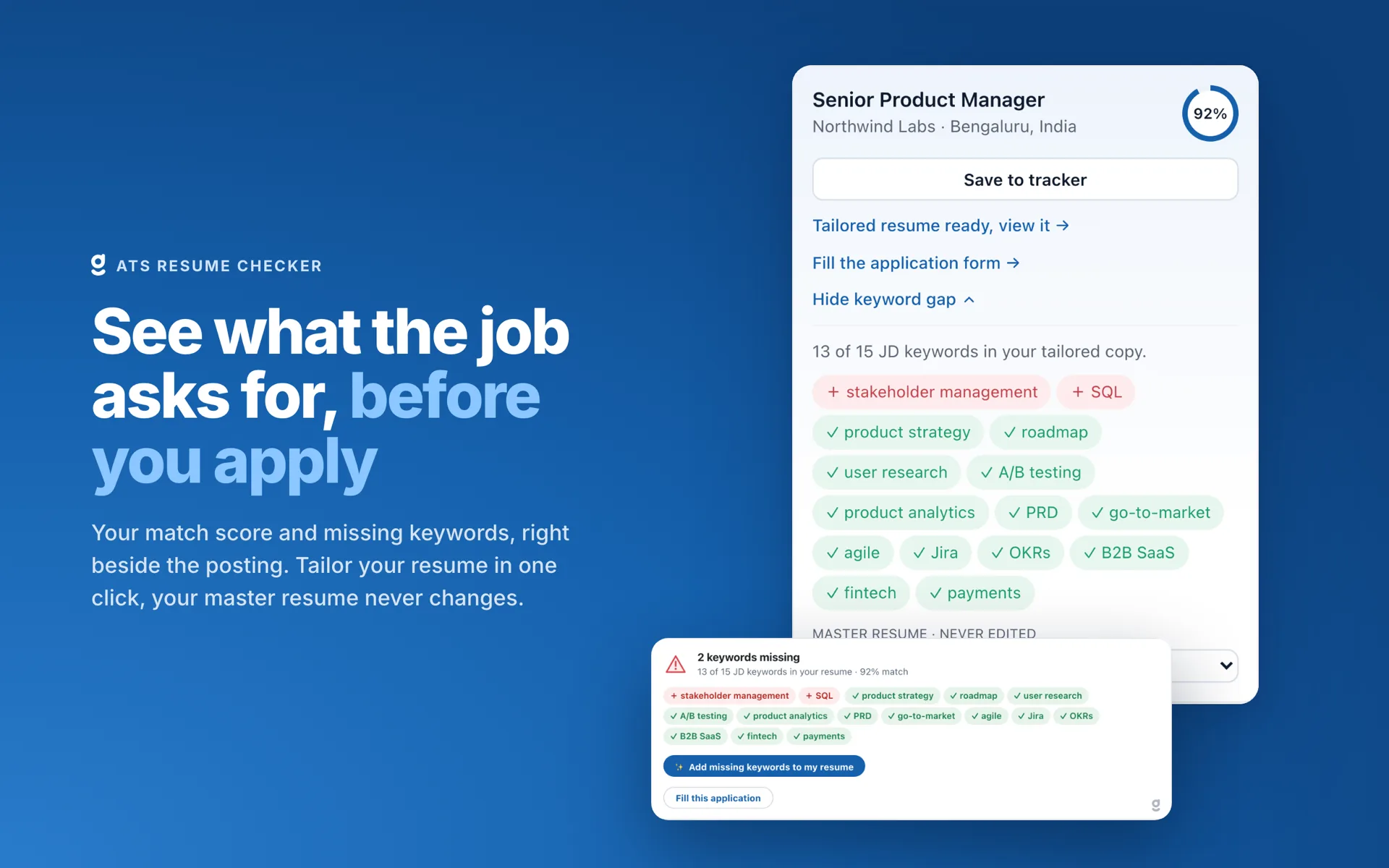
See what the job asks for, before you apply
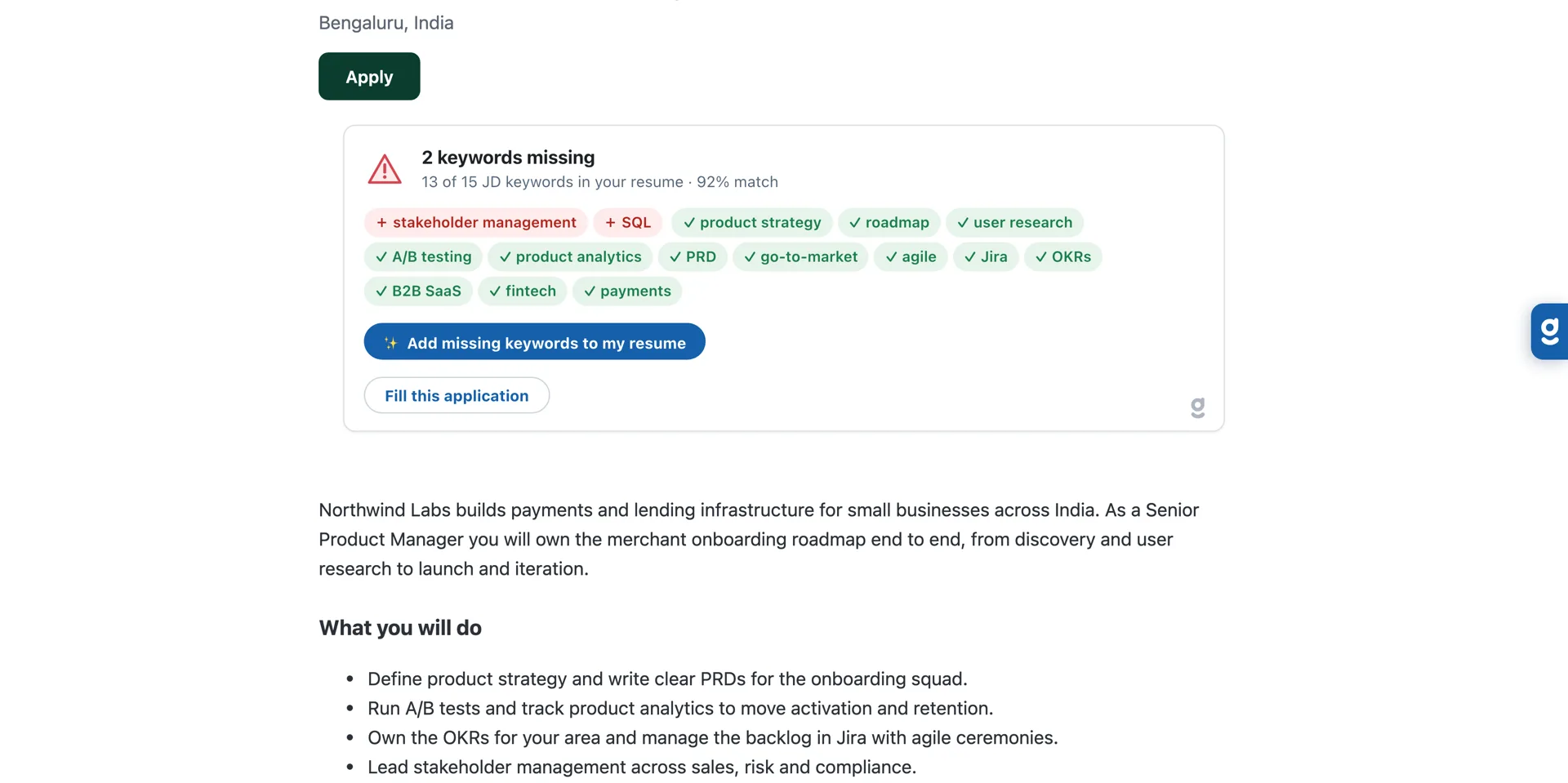
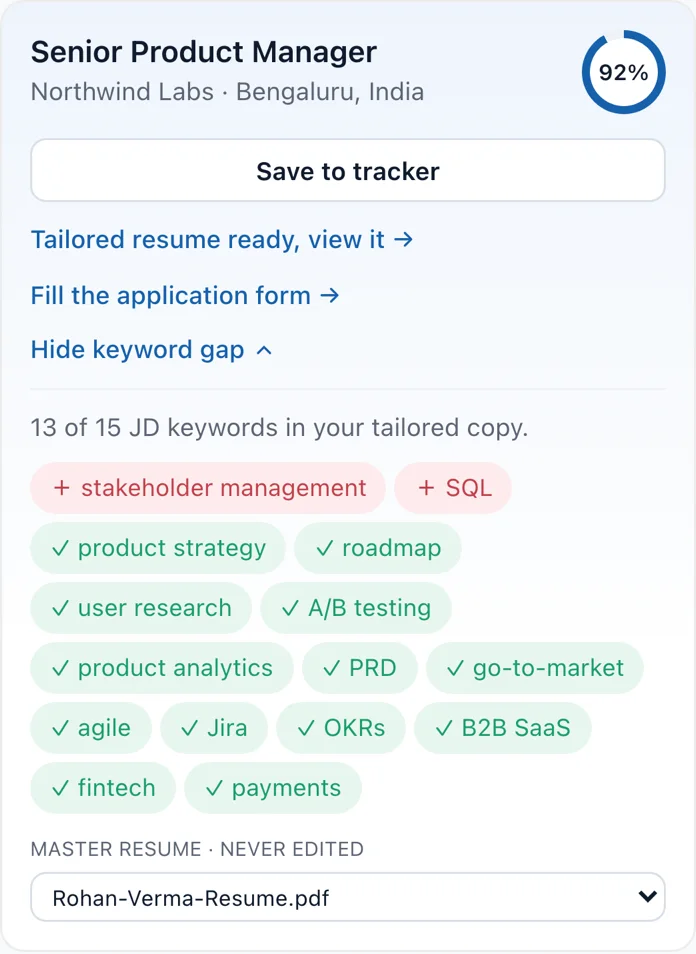
On every job posting, the extension scores your resume against the job description and names the keywords the posting asks for that your resume does not show. It is the Goodspace ATS score checker, right beside the job page.
Tailor your resume to the posting in seconds
Build a copy of your resume for the role in front of you, adding only the keywords your experience already supports. Your master resume is never changed.
Optimize your LinkedIn profile in place
Score your LinkedIn profile against current job demand across sixteen weighted sections. Fixes come ranked by the score you recover, with headline, About and experience rewrites built only from what your profile already says.
Ask whether a role is right for you
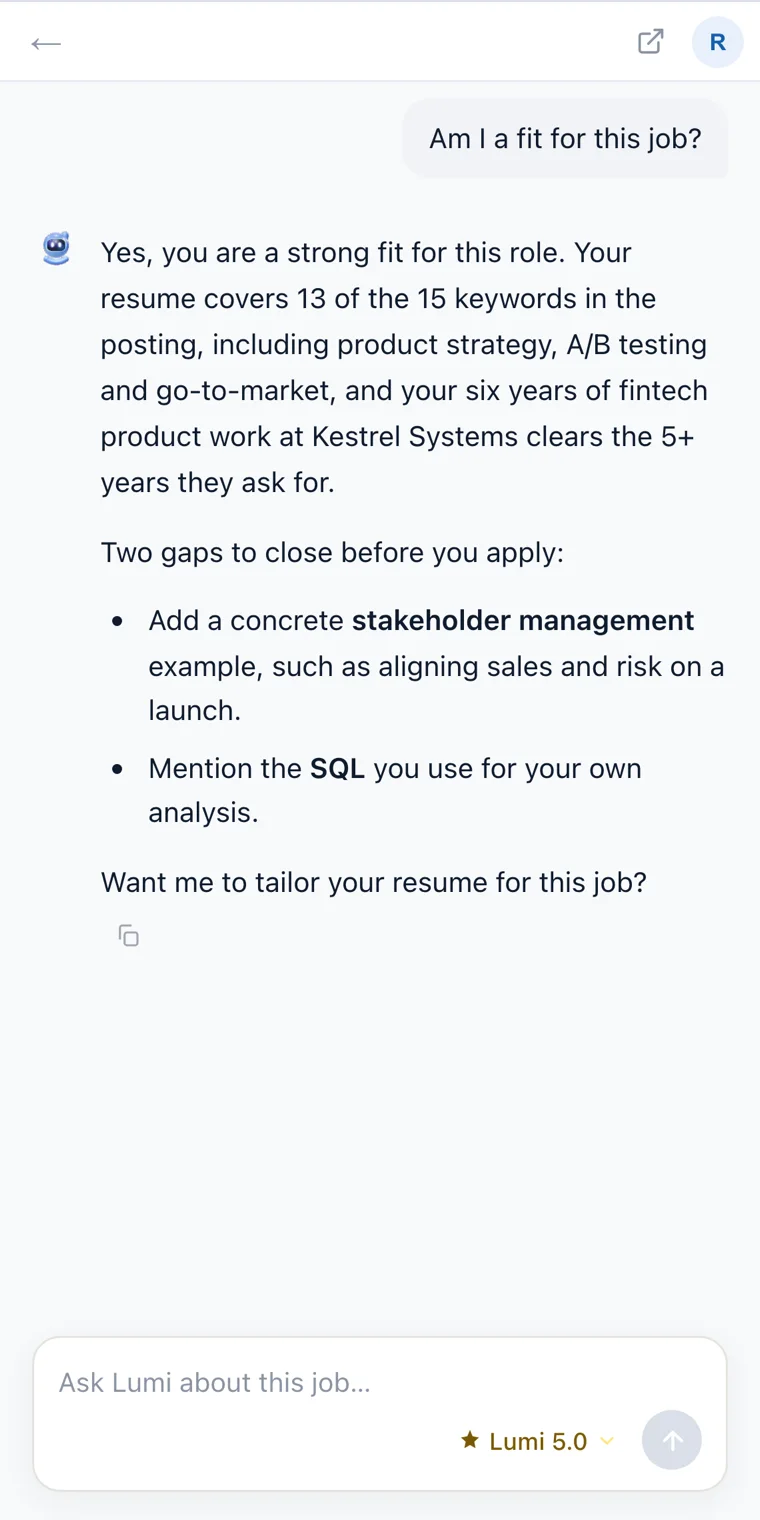
Lumi answers about the posting on screen, not with a generic reply. Ask whether you fit, what to emphasise, or what to do next. It stays idle until you open it and send a message.
See it on the job page
The same screens you get from the Chrome Web Store.
Your data, your call
Three short screens on first use explain what is read and sent, and nothing is sent until you agree.
You always submit
The extension never presses a site’s Submit button on its own. It never types passwords or solves captchas.
Only the job page you have open
It runs only on job sites and application forms, and never reads your browsing history. Disability and veteran questions are never read or filled.
Never sold
No analytics or advertising code, and your data is never sold. Read the extension privacy policy.
Free to start, Gold for more
Plans are bought on goodspace.ai. The extension never takes payment.
- Auto apply to 3 company forms a day
- 10 tracked jobs
- 10 job postings analysed in full
- Resume tailoring you can read on screen
- LinkedIn profile score
- Lumi, your AI career assistant
- Higher daily auto apply limits
- 150 tracked jobs
- Unlimited job postings analysed
- Download tailored resumes as files
- Full LinkedIn profile breakdown
Frequently asked questions
Can Goodspace auto apply to jobs for me?
How does job application autofill work?
Which application forms and job sites does it work on?
Is the Goodspace Chrome extension free?
Will it ever submit an application without me?
Is it an ATS resume checker?
Can it tailor my resume to a job description?
How does the job application tracker work?
What does the extension do with my data?
What is Lumi?
Apply to more jobs, with less typing
Add Goodspace to Chrome, sign in once on goodspace.ai, and open any job page.
Goodspace fills the form, you press submit.
Complete Your Job Search Toolkit
Use these free tools to maximize your chances of landing interviews.
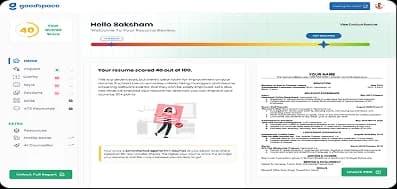
ATS Score Checker
Check your ATS resume score instantly with AI-powered keyword & formatting analysis.
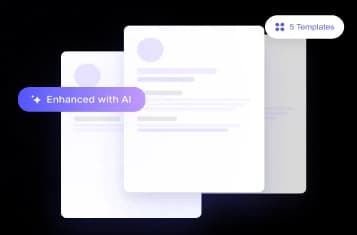
Resume Builder
Build an ATS-friendly resume with professional templates designed to get you shortlisted.
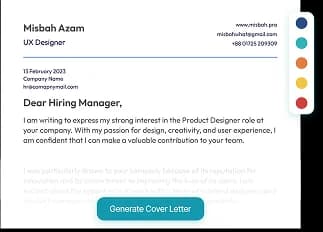
Cover Letter Generator
Generate compelling cover letters tailored to each job application automatically.
HR Letter Writer
Leave, resignation, salary hike and every other HR letter, in the right format with a ready-to-send email.
Job Tracker
Every job you apply to on one board, as a table or Kanban, with the resume you sent kept alongside.
AI Mock Interview
Practice a mock interview online with an AI interviewer that adapts to your role.
Placement Assistance
End-to-end placement support with curated job matches and expert guidance.

Refer & Earn
Refer friends to GoodSpace and earn real money for every successful hire.