If you’ve spent any time tinkering with modern JavaScript frameworks, especially React, Vue, or even lightweight options like Preact, you’ve undoubtedly encountered the term “Virtual DOM.” It is often mentioned in developer communities, YouTube tutorials, and job interviews, often with the reverence reserved for sacred architectural patterns.
While it may sound like a buzzword, the Virtual DOM is a core concept that fundamentally transforms how user interfaces are rendered and updated. But what exactly is the Virtual DOM, and why is it such a big deal in modern web development?
This blog post is for you: frontend developers, UI/UX engineers, and tech leads, who are keen on building high-performing, responsive web applications. Whether you're just diving into React or looking to deepen your understanding of modern frontend architecture, this post will help clarify one of the most important concepts in today’s development stack and compare the Virtual DOM and the Real DOM, exploring their key features, and helping you decide when and why the Virtual DOM offers a significant performance advantage.
Overview of the Real DOM and Virtual DOM
What is the Real DOM?
The Real DOM (Document Object Model) is the live representation of your HTML and UI elements rendered in the browser. Every element you see on a webpage, from headings to buttons, is part of the DOM. When you change something in your app (such as clicking a button to display a modal), the DOM is updated, which can cause the browser to re-render portions of the page.
What is the Virtual DOM?
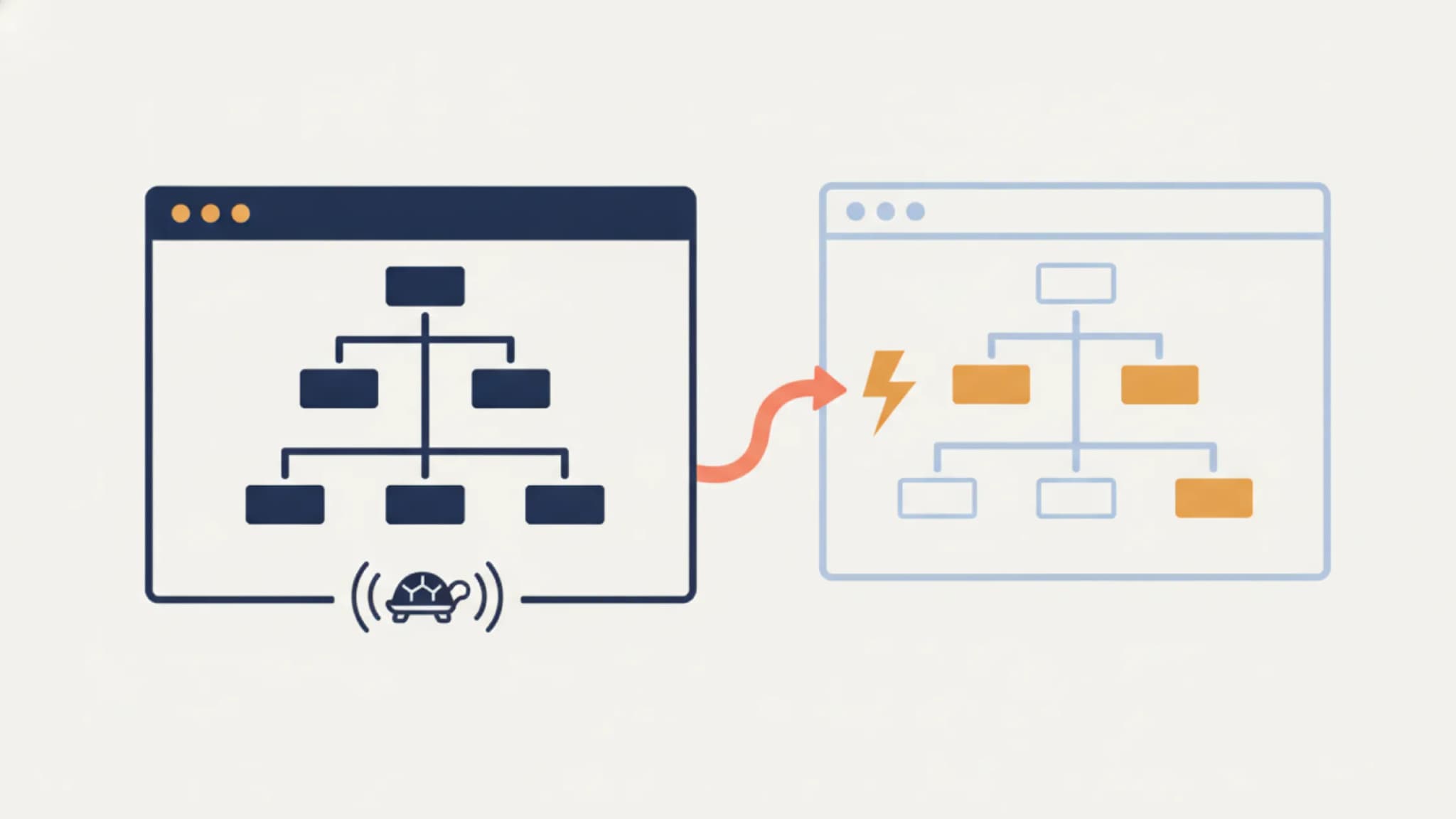
While the Virtual DOM is a lightweight, JavaScript-based copy of the Real DOM, frameworks like React update the Virtual DOM first, rather than directly interacting with the browser. Then, React uses a diffing algorithm to identify what changed, and applies the most efficient updates to the Real DOM, thus minimizing performance bottlenecks.
Key Features and Benefits
Here’s a side-by-side comparison to help you grasp the difference more clearly:

Pros and Cons of Real DOM
Pros:
- Native and built-in to browsers.
- Direct and predictable for small-scale projects.
- Easy to inspect and manipulate with browser dev tools.
Cons:
- Expensive in terms of performance for complex UIs.
- Re-renders the entire DOM subtree even if one element changes.
- Manual DOM manipulation leads to messy, less maintainable code.
Pros and Cons of Virtual DOM
Pros:
- Efficient updates via diffing and batching.
- Encourages declarative coding (write what the UI should look like).
- Great for interactive UIs and SPAs (single-page applications).
Cons:
- Slight learning curve due to abstraction.
- Requires frameworks/libraries to use effectively.
- May use more memory compared to direct DOM interaction.
When to Choose Virtual DOM vs. Real DOM?
Virtual DOM if
- You're building a complex, dynamic web application.
- You care about performance during frequent UI updates.
- You want cleaner, more maintainable, declarative code.
- You're using a modern frontend framework like React, Vue, or Preact.
Real DOM if
- You're building a static or simple website (e.g., a portfolio or blog).
- You’re working with vanilla JavaScript or jQuery.
- Performance optimization isn’t a primary concern.
- You want full control over how the DOM is manipulated.
In Conclusion
Understanding the difference between the Virtual DOM and the Real DOM isn’t just a technical nuance; it’s foundational to writing high-performing web applications today. While the Real DOM remains crucial for basic pages and legacy systems, the Virtual DOM has become the go-to solution for scalable, maintainable UIs in modern development.
Whether you’re optimizing a React app or evaluating performance trade-offs in a new project, knowing when and why to use the Virtual DOM can give you a real edge.
Real-Life Example: React's Use of Virtual DOM
Here at GoodspaceAI, we’ve built interactive dashboards for better hiring workflows. Instead of re-rendering full candidate lists with every new status update, our React-based architecture updates only the modified candidate card using the Virtual DOM.
This, in return, ensures that the UI remains fast, even with thousands of applicants and complex filtering. Therefore, not only speeding up the performance but also reducing the chance of bugs caused by manual DOM manipulation, which is honestly a huge win for productivity and user experience!