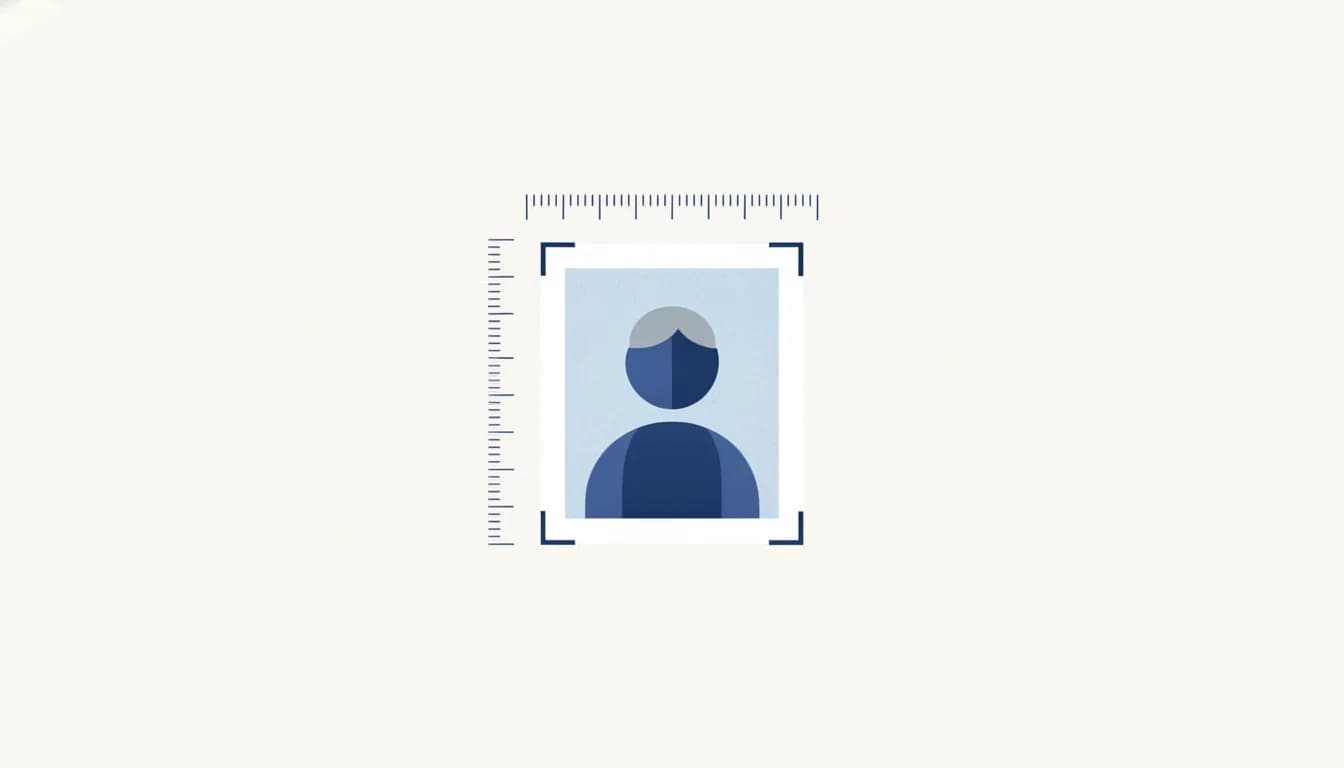
If you have ever had a photo rejected at a Passport Seva Kendra or bounced back by a visa portal, you already know that "passport size photo" is not a vague idea in India, it is a precise specification. The standard passport size photo size in India is 35×45mmand getting the millimetres, background colour, face coverage and file size right is the difference between a smooth application and a costly re-do.
This guide gives you every number you need, in millimetres, centimetres, inches and pixels, plus document-by-document specifications for passports, visas, Aadhaar, PAN and OCI cards, and a simple way to shoot a compliant photo at home on your phone.
Quick answer: passport size photo dimensions in India
The standard Indian passport photo is:
- 35 × 45 mm (width × height)
- 3.5 × 4.5 cm
- 1.38 × 1.77 inches
- ≈ 413 × 531 pixels at 300 DPI (many online portals accept sizes up to 630 × 810 px or higher, the aspect ratio stays 7:9)
- Plain white background
- Face centred, neutral expression, both ears and shoulders visible
That 35×45mm frame is the same size used across most of the world (UK, EU, Australia and India all share it), which is why it is often the safest default. The main exceptions in the Indian ecosystem are US-style visa photos and certain American forms, which use a 2×2 inch (51×51mm) squarecovered further down.
Master conversion table: mm, cm, inches & pixels
Pixels are not a fixed property of a photo, they depend on the print resolution (DPI, dots per inch). A 35×45mm photo printed at 300 DPI has fewer pixels than the same photo at 600 DPI. Use this table to convert cleanly:
| Unit / resolution | Width | Height | Aspect ratio |
|---|---|---|---|
| Millimetres | 35 mm | 45 mm | 7 : 9 |
| Centimetres | 3.5 cm | 4.5 cm | 7 : 9 |
| Inches | 1.38 in | 1.77 in | 7 : 9 |
| Pixels @ 300 DPI | 413 px | 531 px | 7 : 9 |
| Pixels @ 600 DPI | 827 px | 1063 px | 7 : 9 |
| Pixels (common web upload) | 630 px | 810 px | 7 : 9 |
The rule of thumb: for print, aim for 300 DPI or higher. For an online upload, a larger pixel size (e.g. 600×800 px) simply gives the portal more detail to work with, as long as the 7:9 ratio is preserved and you stay under the portal's file-size cap.
The face-coverage rule (this is what gets photos rejected)
Dimensions alone do not make a photo compliant. Indian and international standards specify how much of the frame your head and face must fill:
- Head height (chin to crown) should occupy roughly 70–80% of the photo heightfor a 45mm-tall photo, that is about 32–36mm of face.
- The face should be centred and looking straight at the cameraeyes open and clearly visible.
- There should be a small, even margin above the head, the crown should not touch the top edge.
- Neutral expressionmouth closed, no wide smile for passport/visa (a natural relaxed look is fine).
Photos where the head is too small (shot from far away) or too large (cropped tight) are among the most common rejections. When you use the GoodSpace AI Headshot Generatorthe face is automatically positioned to sit within this coverage band for the size you pick.
File size & format limits by portal
Every portal sets its own upload rules. These change from time to time, so always confirm on the live portal, but the shape of the requirement is stable:
| Portal / use | Format | Typical requirement |
|---|---|---|
| Passport Seva (physical application) | Printed photo | Two 35×45mm colour photos, white background, matte or gloss |
| VFS Global / e-Visa uploads | JPEG | White background, minimum pixel dimensions specified per country; a small maximum file size cap (often just a few hundred KB up to ~1 MB) |
| General Indian government uploads | JPEG / JPG | Small file size (frequently capped between 20 KB and a few hundred KB); exact cap varies by form |
Because online caps are often very tight (some forms want the image under a few tens of kilobytes), you may need to compress a JPEG after resizing. Do the resize first to the correct pixel dimensions, then reduce quality until the file fits, never scale a tiny image up, which causes blur.
Document-by-document specifications
Not every Indian document uses the same photo. Here is a side-by-side reference for the most common ones:
| Document | Photo size | Background | Notes |
|---|---|---|---|
| Indian Passport | 35 × 45 mm | White | Two identical colour prints for physical form; face 70–80% of height |
| US & many other visas (2×2) | 51 × 51 mm (2 × 2 in) | White | Square format; 600×600 px at 300 DPI; head 50–69% of height |
| Schengen & UK visa | 35 × 45 mm | Light grey / off-white | Same size as passport; check the specific mission's background note |
| Aadhaar (UIDAI) | Captured at enrolment / 35×45mm style | Plain, light | Usually taken at the enrolment centre; updates follow standard passport-style specs |
| PAN card | 35 × 25 mm (25mm wide × 35mm tall on many forms), commonly 3.5×2.5 cm | White | PAN uses a slightly smaller photo than passport; confirm on the current NSDL/UTIITSL form |
| OCI card | 51 × 51 mm (2 × 2 in) for online; 35×45mm often accepted for physical | White | Online OCI portal typically follows the 2×2 inch square standard |
Key takeaway: the two sizes you will meet most often are 35×45mm (Indian passport, Schengen/UK visas) and 51×51mm / 2×2 inch (US visas, OCI online). The GoodSpace generator already offers both, plus Aadhaar and PAN presets.
How to make a passport photo at home on your phone
You do not need a studio. A modern phone camera is more than enough resolution. Follow these steps:
- Find a plain wallwhite or very light. Stand about 30–50cm away from it so you do not cast a hard shadow.
- Use soft, even daylight. Face a window; avoid overhead lights that shadow the eyes and avoid direct sun that causes squinting.
- Frame from the chest upcamera at eye level, phone held straight (not tilted). Ask someone to shoot it, or use a timer, arm's-length selfies distort the face.
- Neutral expressioneyes open, hair off the face, both ears visible where possible. Remove hats and coloured glasses (clear prescription glasses may be allowed but avoid glare).
- Crop to the correct ratio (7:9 for 35×45mm, 1:1 for 2×2 inch) and set a white background.
The fastest route is to skip manual cropping entirely: upload one selfie to the GoodSpace AI Headshot Generatorchoose the Indian passport (35×45mm), visa 2×2 inch, Aadhaar or PAN preset, and it returns a correctly-sized photo with a clean white background in about 30 seconds, free, no signup, no watermark. For a full walkthrough, see the headshot generator guide.
Common rejection reasons (and how to avoid them)
- Wrong backgroundpatterned, coloured, or shadowed walls. Use plain white and even lighting.
- Face too small or too largehead must fill ~70–80% of the frame for passports.
- Tilted head or off-centre framinglook straight ahead, shoulders square.
- Shadows on the face or behind the headsoft frontal light removes both.
- Smiling / expressionkeep it neutral for passport and visa photos.
- Glare on glasses or tinted lensesangle the light or remove glasses.
- Low resolution or blurnever upscale a small image; start from a sharp original.
- Wrong file sizeresize to the right pixels first, then compress to meet the portal cap.
How to fit multiple photos on one print sheet
To save money at a print shop, you can tile several 35×45mm photos onto a single 4×6 inch (10×15cm) print, the standard photo-lab size. A 4×6 sheet fits roughly 6 to 8 passport photos in a grid with small gaps for cutting. Set each photo to exactly 35×45mm, leave a 2–3mm white border between copies as a cutting guide, and print at 300 DPI or higher on photo paper. Many print shops will do this for you if you bring a correctly-sized digital file.
Get a compliant photo now
Stop guessing at millimetres and pixels. Upload one selfie and let the GoodSpace AI Headshot Generator produce a print-ready Indian passport, visa, Aadhaar or PAN photo, correct size, white background, right face coverage, in about 30 seconds. It is free, needs no signup, and adds no watermark.
Frequently asked questions
What is the standard passport size photo size in India?
35 × 45 mm (3.5 × 4.5 cm, or 1.38 × 1.77 inches) with a plain white background. At 300 DPI that is about 413 × 531 pixels.
What is 35×45mm in pixels?
It depends on resolution: about 413 × 531 px at 300 DPI, and about 827 × 1063 px at 600 DPI. Online portals commonly accept larger sizes such as 630 × 810 px as long as the 7:9 aspect ratio is kept.
What background colour is required?
Plain white is the safe standard for Indian passport, PAN and most visa photos. A few missions (e.g. certain Schengen and UK requirements) accept light grey or off-white, always check the specific portal.
Is the Indian passport photo the same as a US visa photo?
No. Indian passports use 35×45mm; US visas use a 2×2 inch (51×51mm) square. The GoodSpace generator offers both presets.
Can I take a passport photo on my phone?
Yes. Use a plain white wall, soft frontal daylight, a straight eye-level shot from the chest up, then crop to the right ratio and set a white background. Or upload the selfie to the GoodSpace AI Headshot Generator to do it automatically.
What file size do online portals require?
Caps vary and are often small, some forms want the JPEG under a few tens of kilobytes, others allow up to about a megabyte. Resize to the correct pixel dimensions first, then compress the JPEG until it fits the specific portal's limit.
Working on your professional presence too? See our companion guide on LinkedIn profile photo size in 2026.